|
ScheduleALL - Edit/Delete Event |
|
|
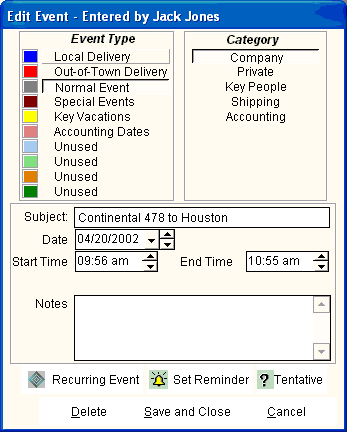
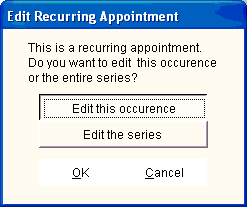
To Edit/Delete an Event, you may double click the Event in the Day View or Week View. From the Month View, right click on the day to bring up a menu of the days Events. Select the one to Edit/Delete. If you Edit/Delete a Recurring Event, the following selection appears:
Any user may edit events (except Private events), but only the creator of the event may Delete the event. (The Delete button will not appear on the Edit form)
|