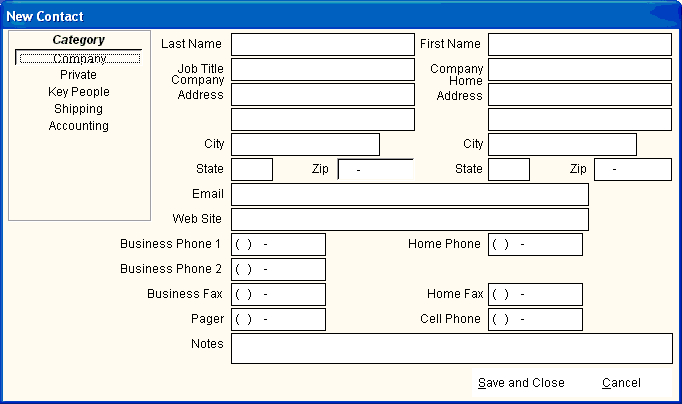
The following entry screen is displayed when you select New Contact from the Toolbar or the Shortcut Icons. After selecting the Category, the following information is entered:
Subject - A description of the task to be completed.
Completion Date - (Optional) the scheduled completeion date.
Priority - Click to raise the priority from low to high.
Notes - Enter all additional information about the task.