|
ScheduleALL - Edit/Delete Contact |
|
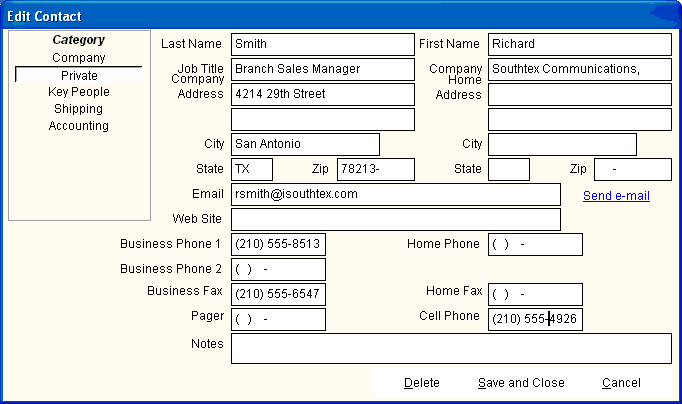
The following entry screen is displayed when you double click a Contact. All fields may be edited, but only the creator of the contact may delete it. Note that e-mail may be sent by clicking the send e-mail link. You must have an Internet connection, and the contact must have an e-mail address. |
Last Updated: 4/17/2002