|
ScheduleALL - Send Inter-Company Mail |
|
|
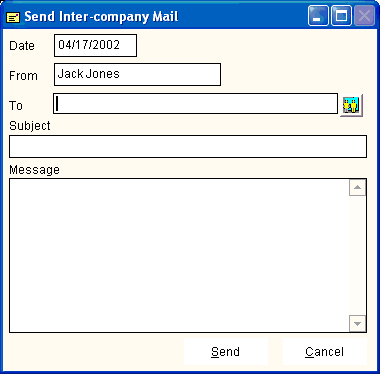
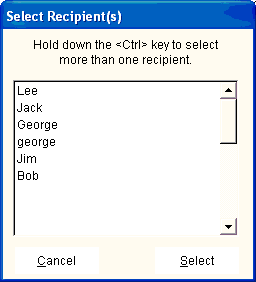
To send mail, select Send Mail from the Toolbar or Shortcut Icons. The screen at the left will appear. If you click the icon to the right of the To field, the list shown below will appear, showing everyone in your company's ScheduleALL system. To select more than one recipent, hold down the control key <Ctrl> and click on the desired recipents. Enter the subject line and message, click Send to send the message.
|