|
ScheduleALL - Calendar |
|
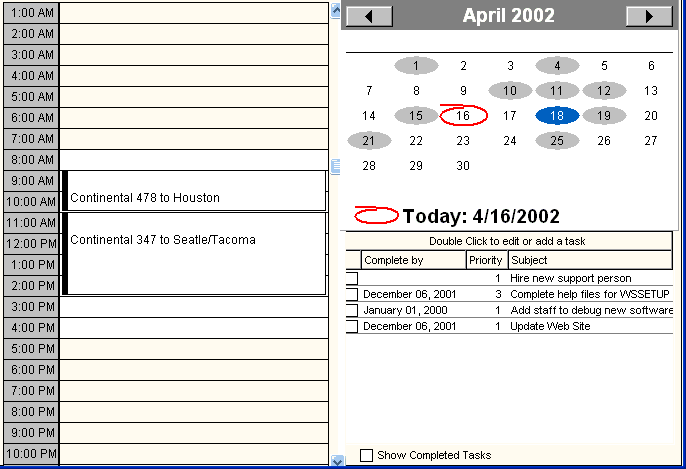
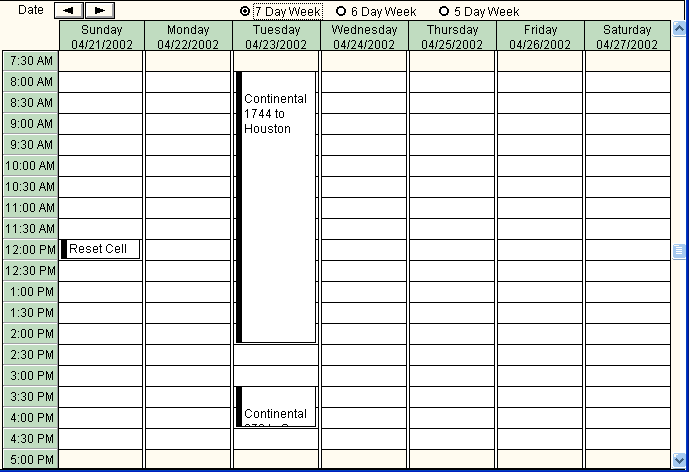
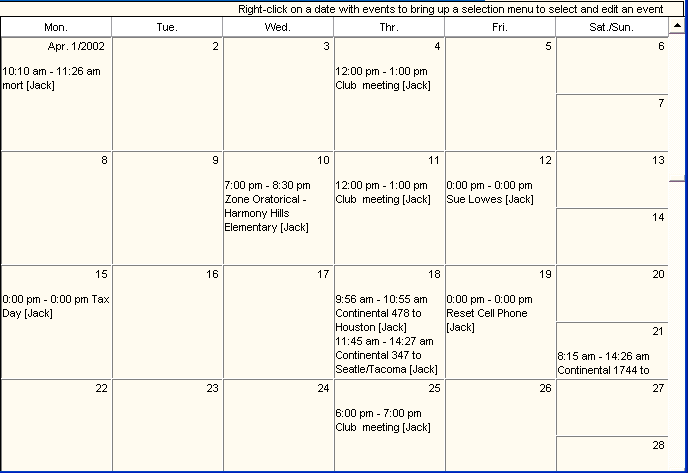
The Calendar is at the heart of ScheduleALL. Up to 10 types of Events (or Appointments) may be defined by the Administrator. In ScheduleALL, each appointment type will be shown in Day View and Week View with a different color Time Bar, and the first two appointment type will display a Color Bar in the Month View. Each event type may or may not show the start time and/or End Time. A Default Start Time is established, as is a default duration. The Event Subject Line may or may not be shown, and the prompt is also set up by the administrator. You may add a New Event or Edit/Delete an Event. There are four Calendar Views: Day View with Tasks, Week View, Month View, and Year View. All Calendar Views will reflect the date shown in the top right section of the program desktop. There is a selection on the Toolbar to Go to Today. |
Last Updated: 4/16/2002