|
ScheduleALL - Tasks |
|
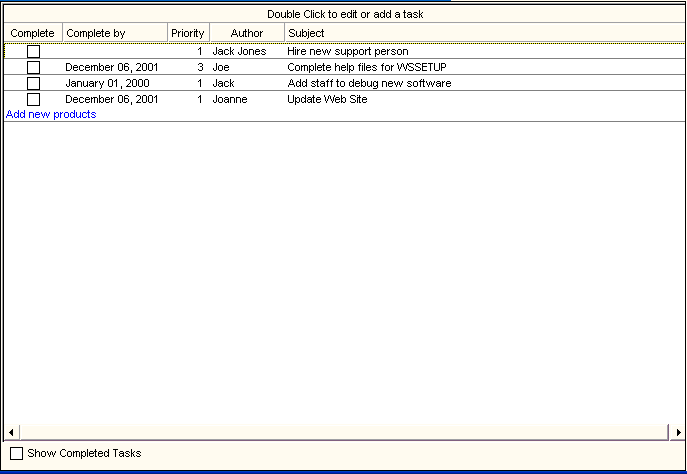
Tasks can be viewed, added and edited from the Day View with Tasks. Selecting Tasks from the Toolbar or Shortcut Icons offers the full view of all tasks (based upon categories enabled) shown below. Selecting Show Completed Tasks adds all completed tasks to the list. Checking the task in the Complete column marks it as completed. Double clicking the header or an empty task space brings up the New Task window. Double clicking an existing Task brings up the Edit Task window. |